
Operation Manual
This manual covers every functional page of the UNIHH-IOT platform. It is written for field engineers, system integrators and operations staff.
Signing In
Open the frontend URL (http://localhost:3000 in local development) and sign in. The default super-admin account is admin / unihhiot.
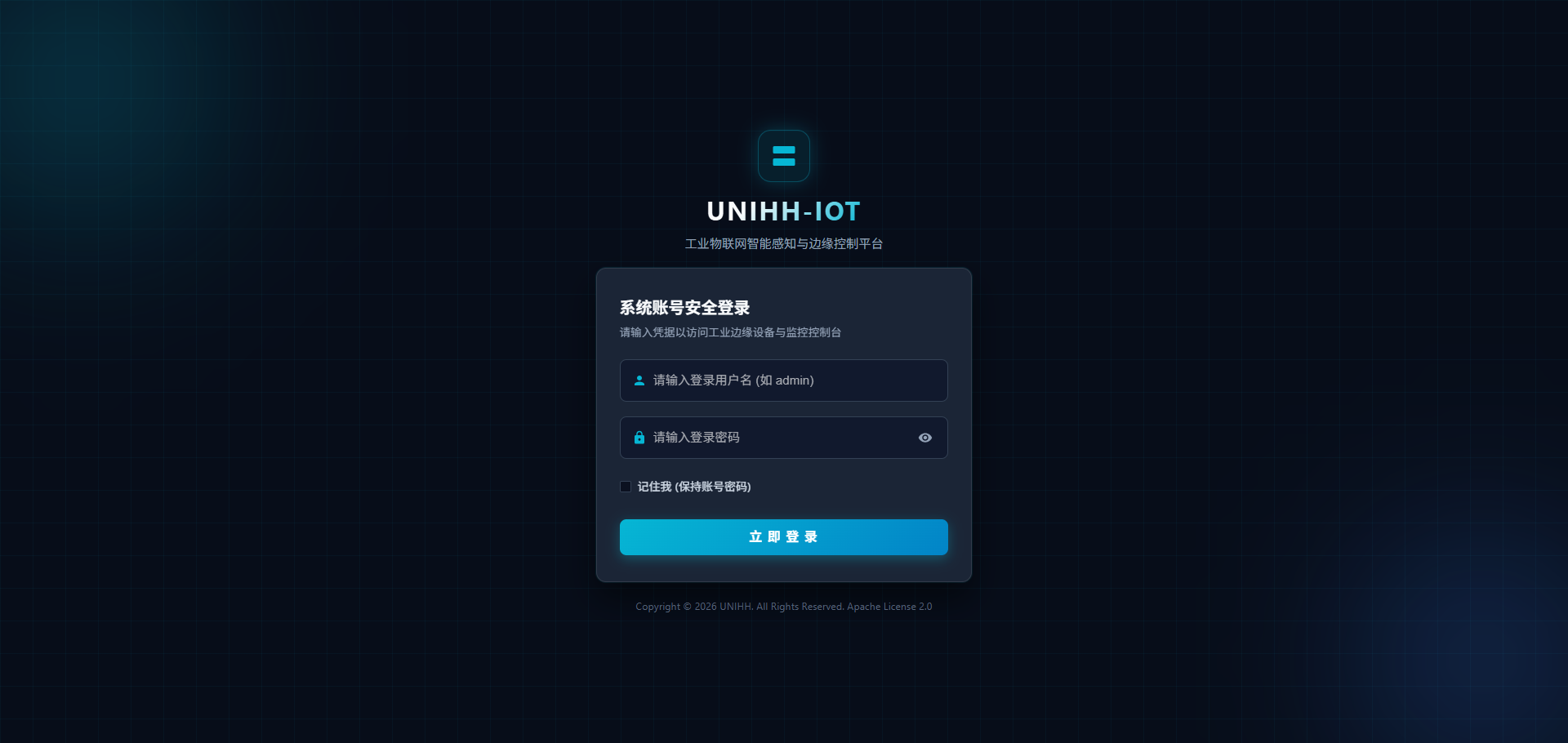
Credentials are stored as a token in the browser; when it expires you are redirected back to the login page. Forgotten passwords are reset by an administrator under System → User Management.
Note
Change the default passwords immediately after production deployment and issue individual accounts with proper roles to every operator.
Layout
After signing in you land on the dashboard. The left sidebar carries the navigation menu, filtered by your role's permissions; the top bar holds the current user and the sign-out action.
Page Index
| Page | Description |
|---|---|
| Dashboard | Global status of devices, drivers, throughput and alerts |
| Driver Management | Driver status, parameters and heartbeat self-checks |
| Device Management | Device registry, point binding, acquisition toggle, write-back control |
| Thing Models | Property / service / event modeling |
| Data Monitor | Live point values, quality flags and snapshots |
| Rule Engine | Threshold conditions and linked actions |
| Alarm Center | Event browsing, acknowledgment and disposition |
| Log Audit | Write-back command trail and login audit |
| System Management | Users, roles, menus and dictionaries |
Recommended First Path
To walk the full "model → connect → acquire → alert" chain for the first time:
- Create a thing model defining the properties, services and events of one device type;
- Check the driver for that protocol is running and online;
- Create a device, bind the model and driver, configure connection parameters and point mapping;
- Watch live data to confirm acquisition and quality;
- Configure a rule on a key point;
- Handle the alarm — simulate an out-of-range value and verify the chain.